 LetRecord
01 / REAL APP
Property workspace
Give every home its own record with a photo, address, tenants, open cases and stored documents. When a new issue arrives, start from the property rather than rebuilding its context.
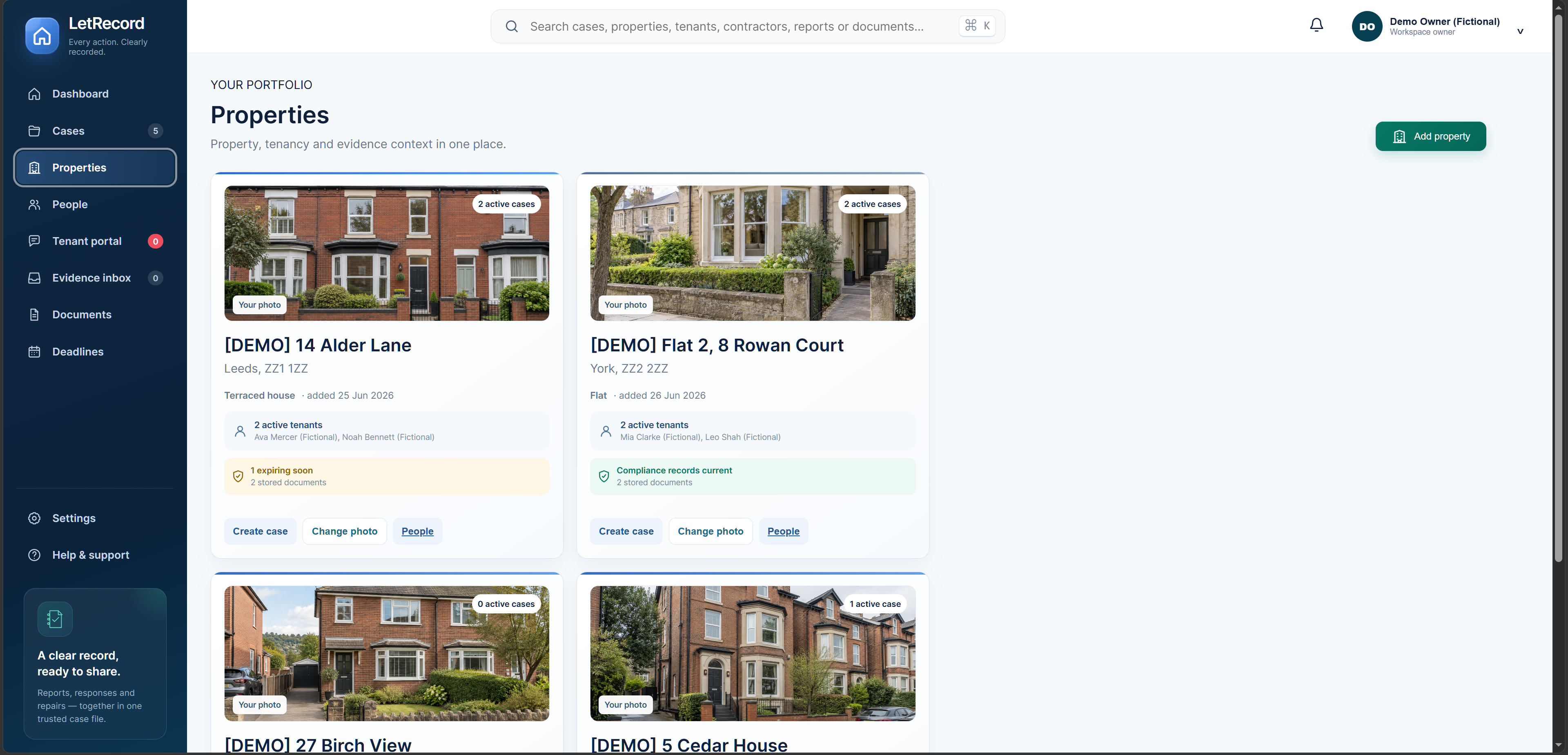
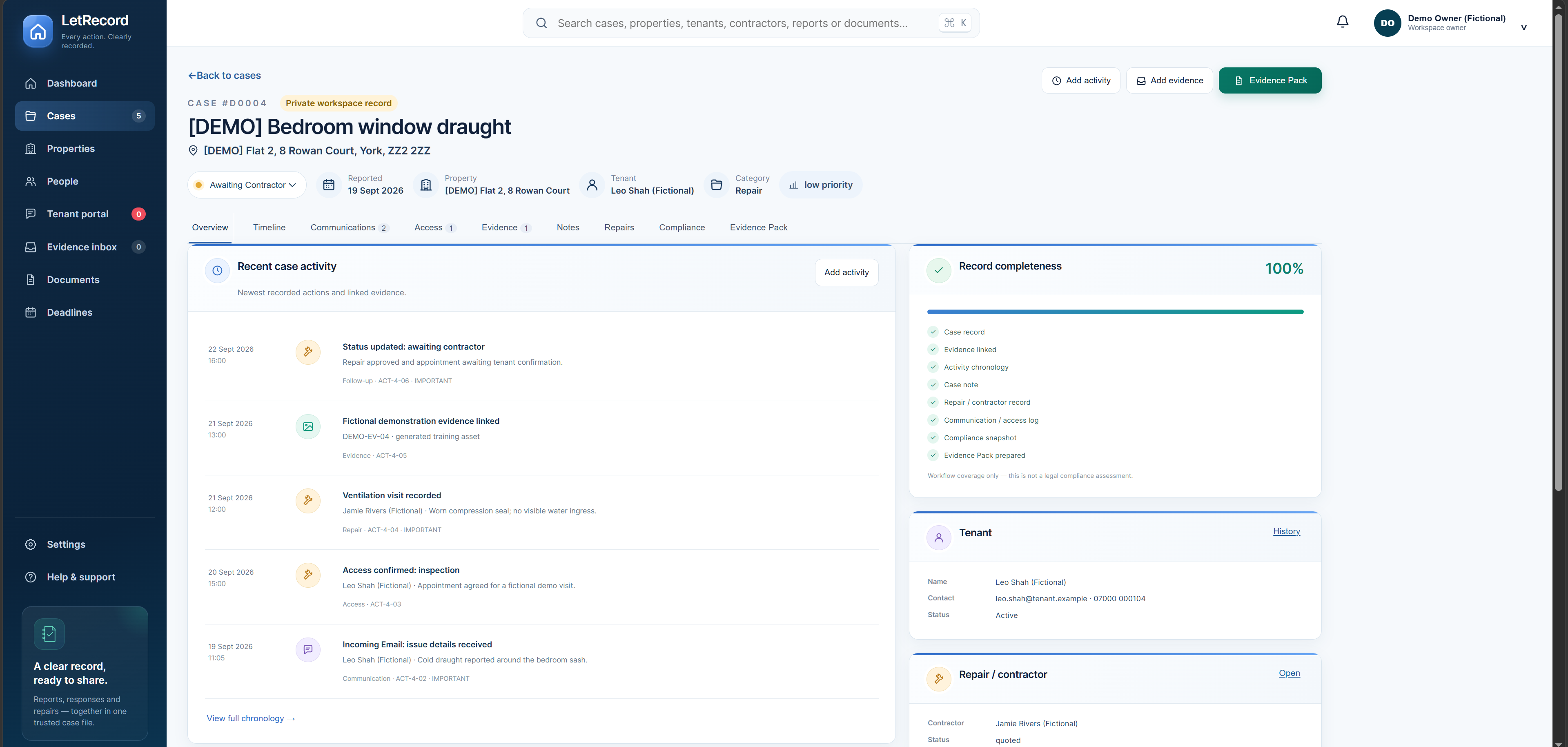
See how a property issue becomes an organised case: messages, access, contractor work, documents and a reviewed Evidence Pack in one connected workspace. Every screen below is from the real app, using fictional example records. Open an image for full resolution.

Use LetRecord in a current, standards-based web browser on a phone, tablet, laptop or desktop with an internet connection. No separate app download is needed to start. On supported devices, you can add a home-screen shortcut for quick access; offline access is not promised.
Swipe or scroll sideways for more
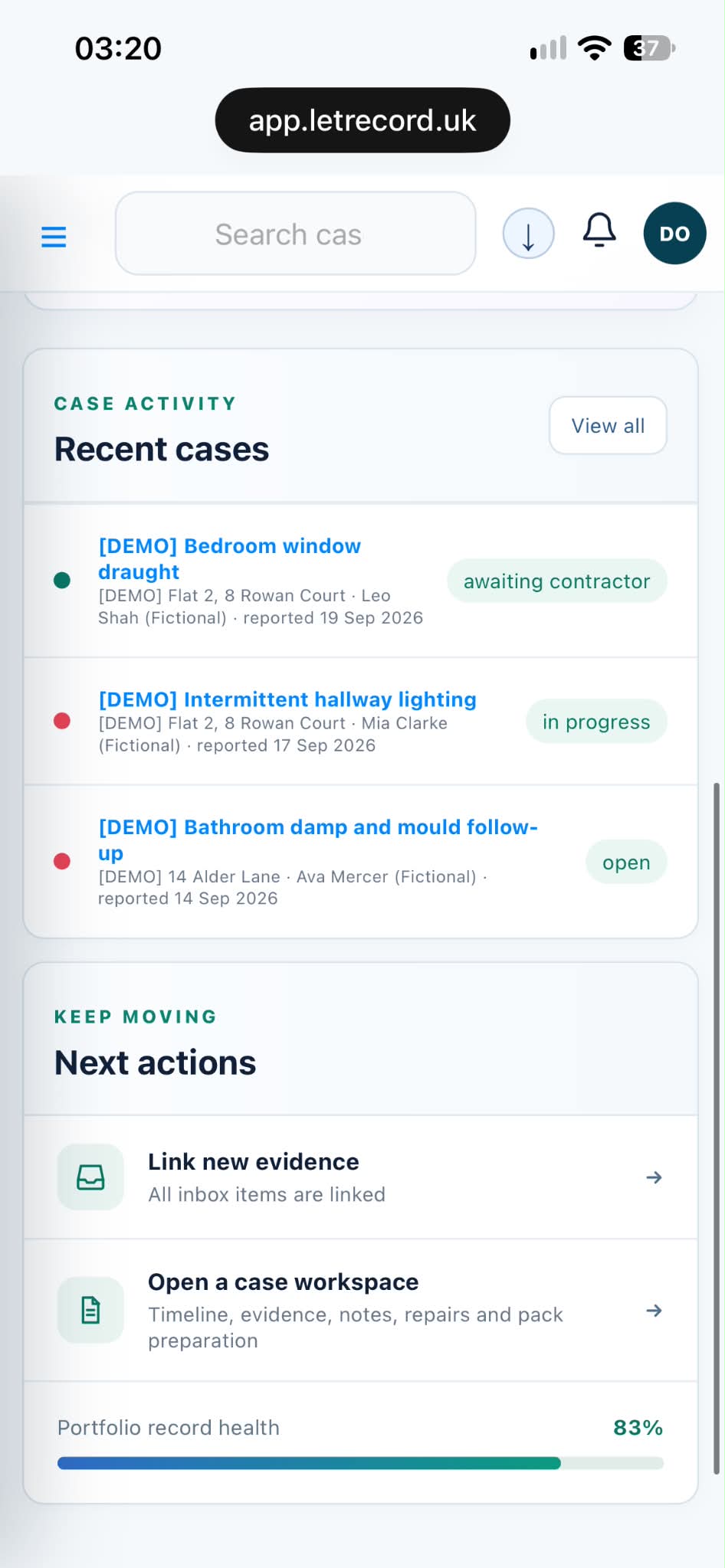 Phone / OverviewYour open cases and next actions, in your pocket.
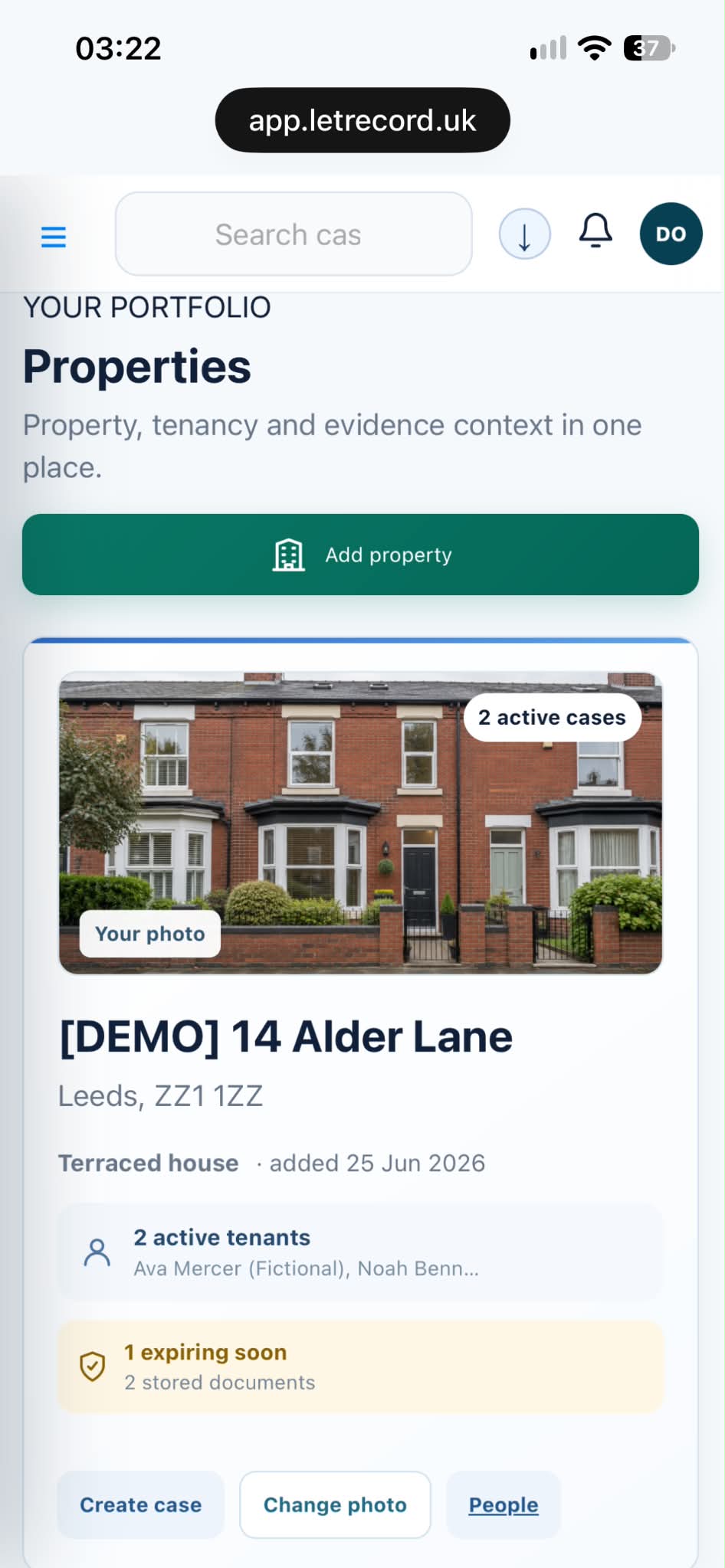 Phone / PropertyA property and its context, wherever you are.
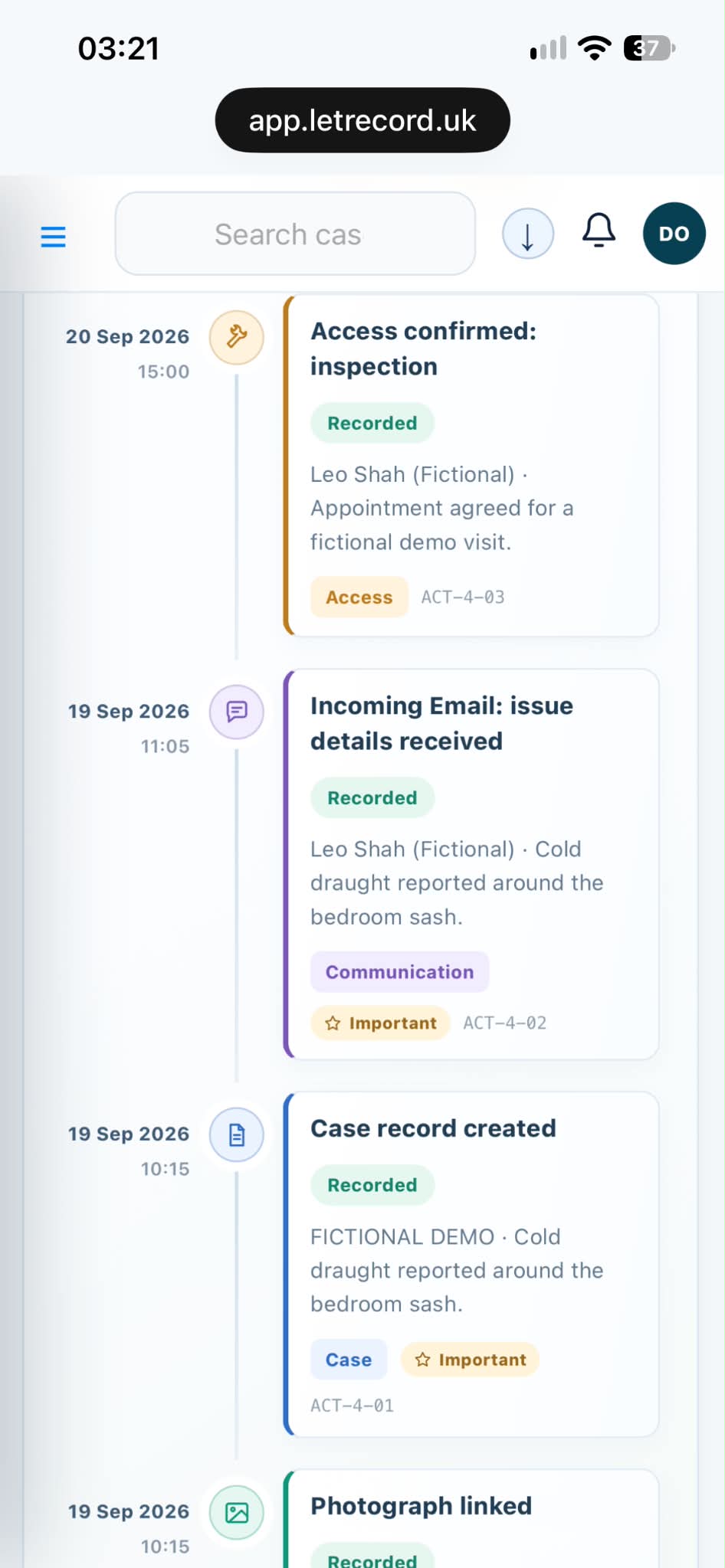 Phone / TimelineThe case chronology when you need to check a detail.
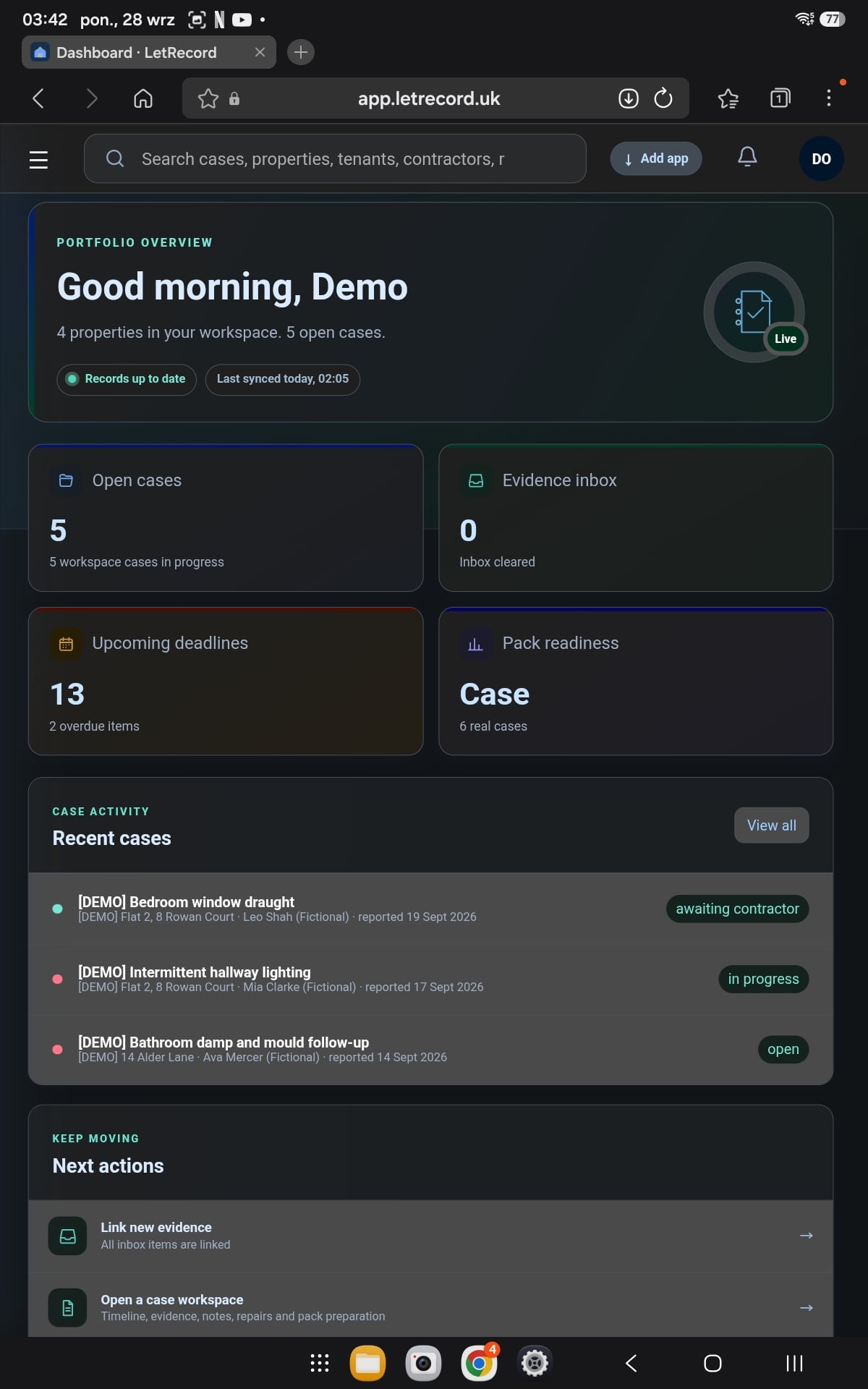 Tablet / OverviewA wider view of the same connected workspace.
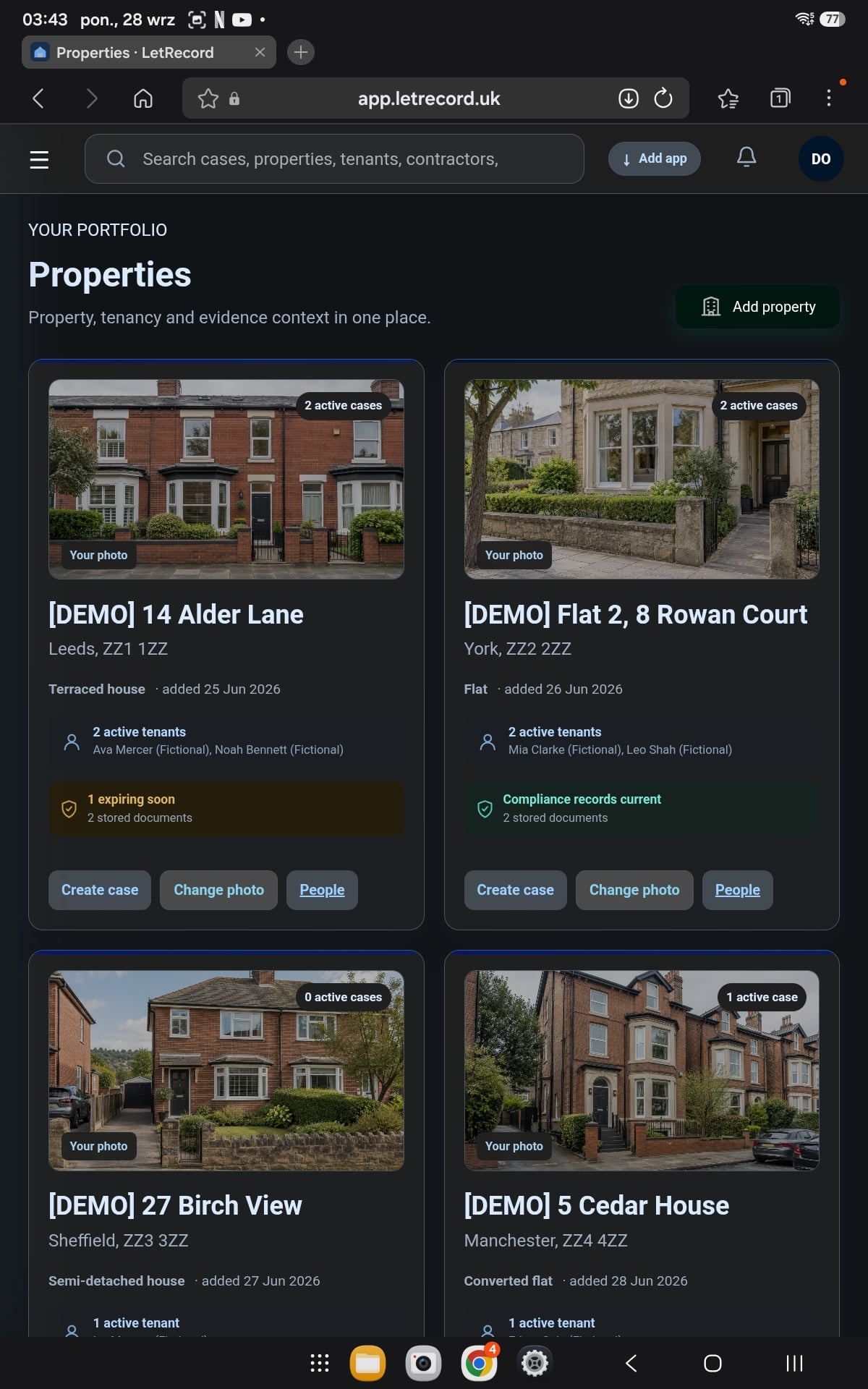 Tablet / PortfolioProperty records with room to see the detail.
Screens show the actual browser app with fictional example records. Open any device to inspect a larger, centred view in a new tab.
Create a link for a property and send it to the relevant tenant or occupant. They can describe an issue and attach files in their browser, without seeing your private workspace.
A report waits for your review. You choose whether to open a new case or add it to an existing one. Reporting links can expire or be revoked.
A submitted report is reviewed in the Evidence inbox. From there, link the information to the appropriate case so it appears with the dated activity and source files. These are real application captures with fictional example records; the reporting link itself is described above, not presented as a fabricated screenshot.
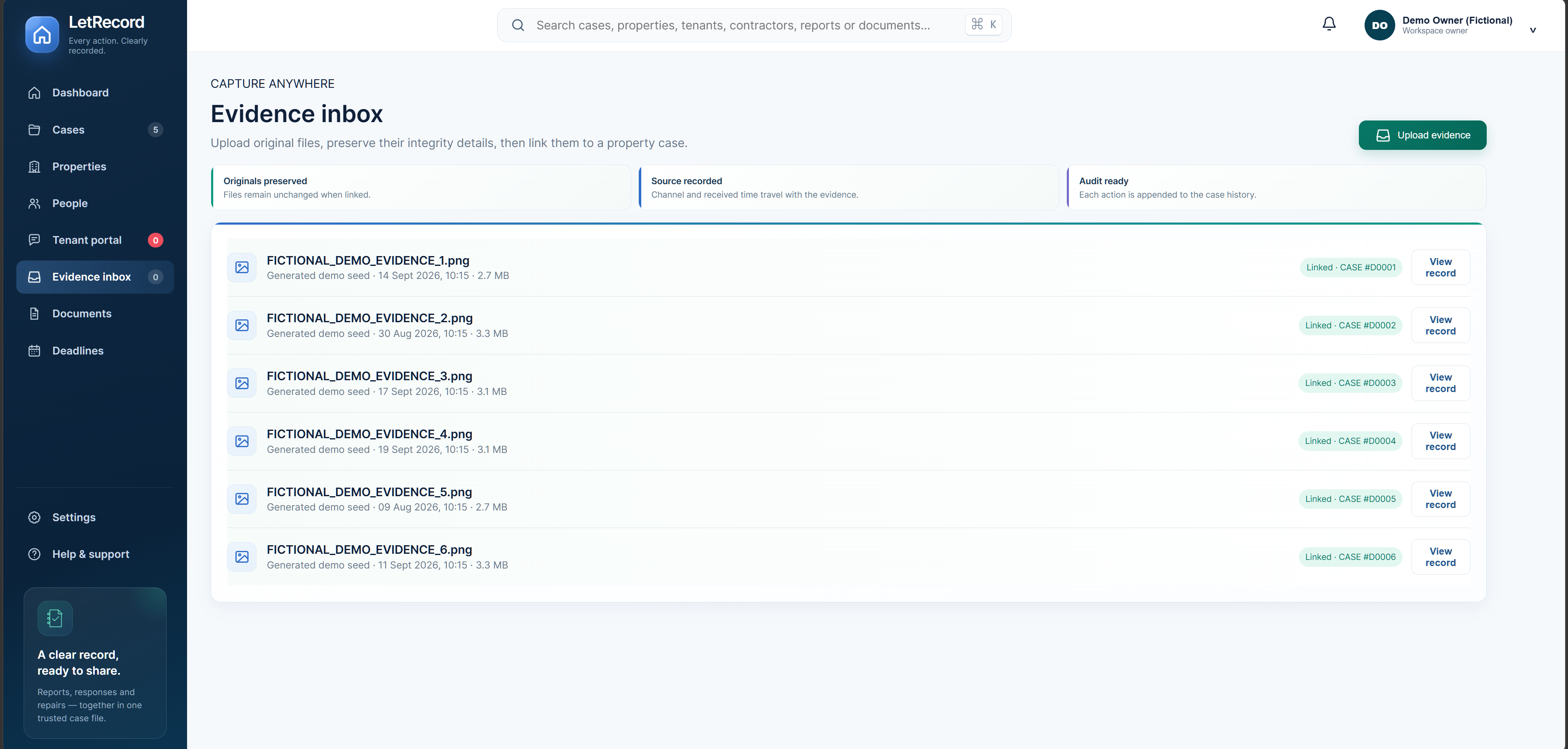
Each view below is a separate capture of the real interface. Case records are fictional; the Settings view was supplied by the owner. Select a frame to inspect it at full resolution. For a step-by-step reference to the whole workspace, download the complete illustrated PDF guide.
Give every home its own record with a photo, address, tenants, open cases and stored documents. When a new issue arrives, start from the property rather than rebuilding its context.
See repair and condition issues across your properties in one list, with the relevant tenant, priority and current status. Open the right case quickly and spot what still needs attention.
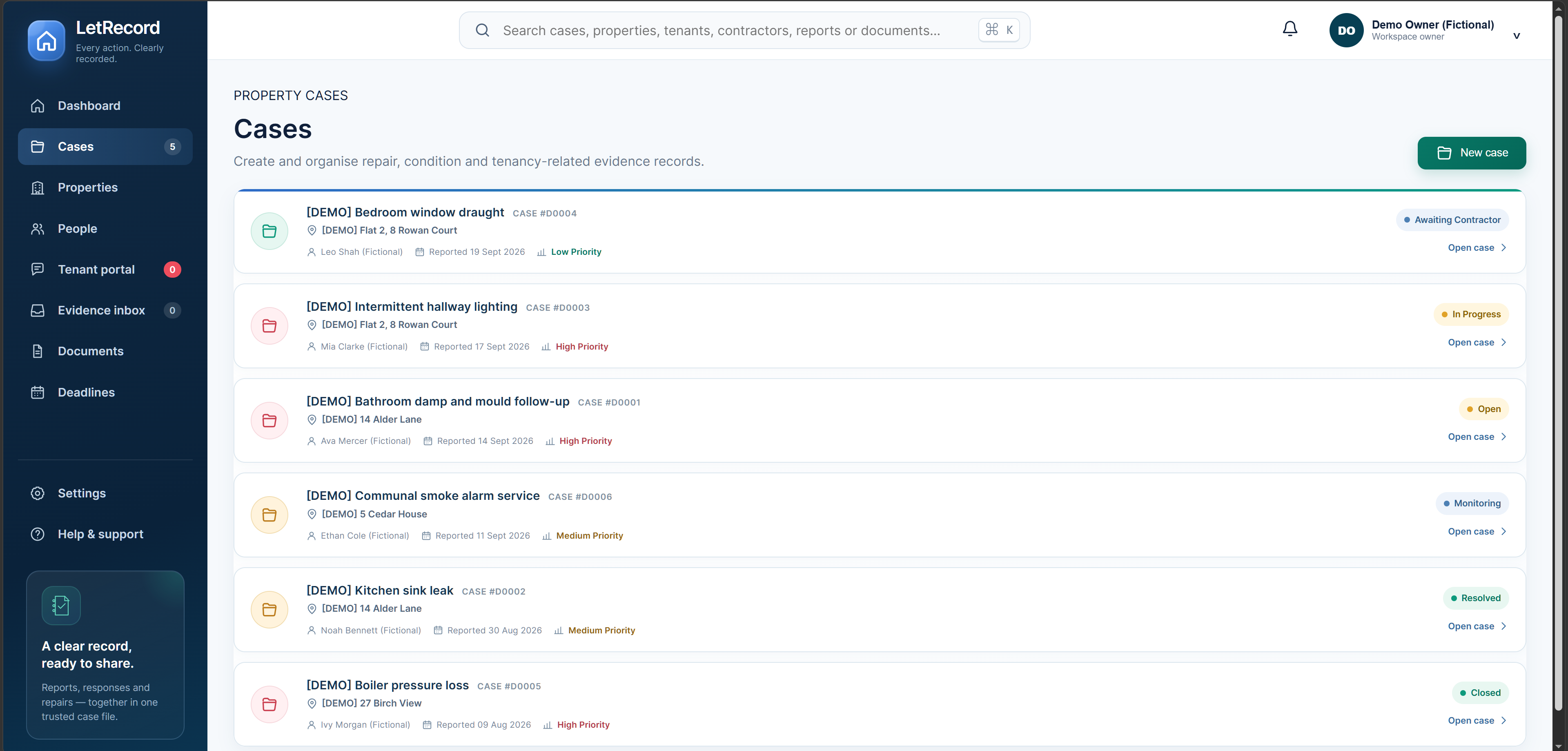
Start with the essential picture of one issue: its property, tenant, status and recent activity. Record-completeness cues help you notice missing context before you review the detailed tabs or prepare a pack.
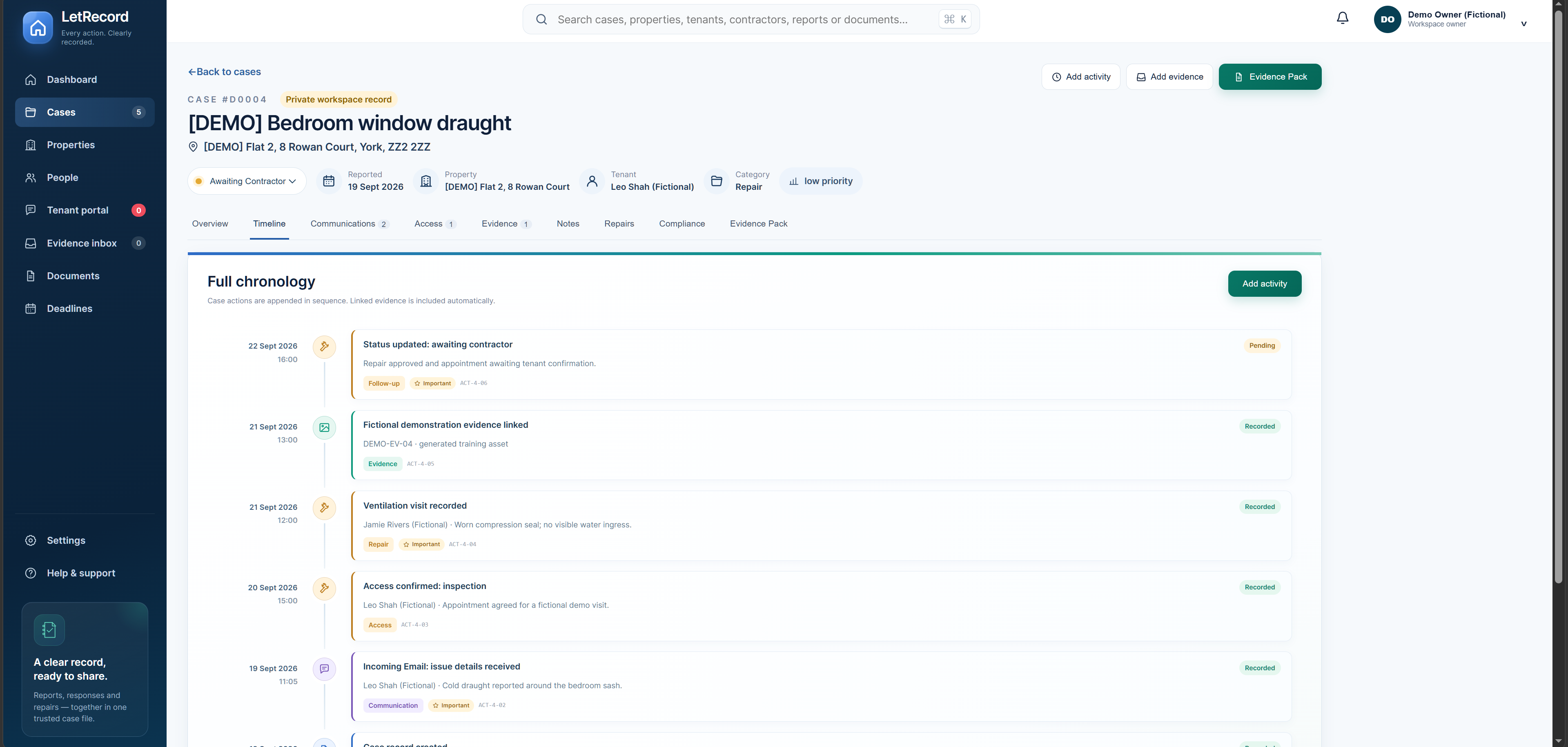
Read reports, replies, access arrangements, contractor visits and linked evidence as a dated sequence. It helps you reconstruct the follow-up without piecing it together from separate messages and files.
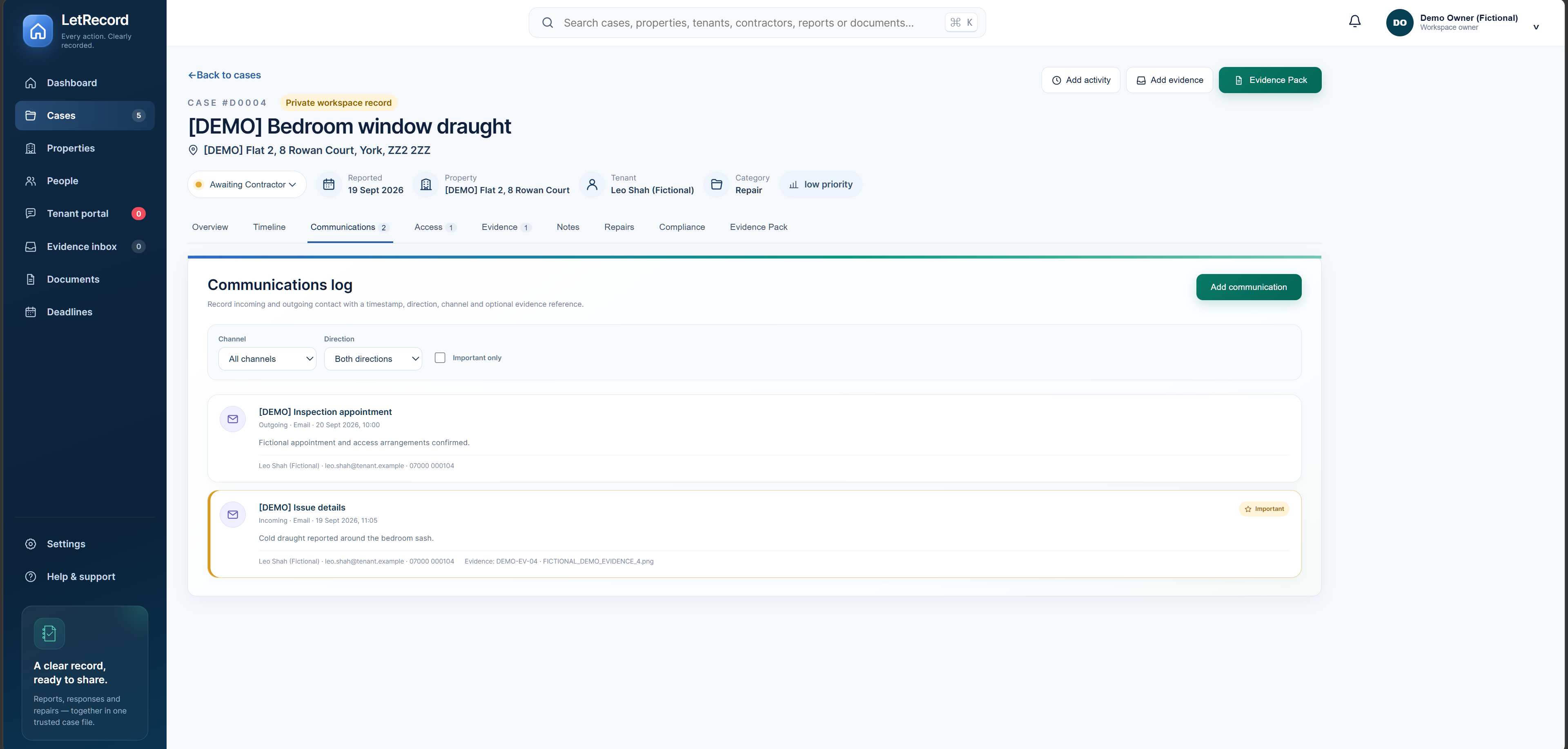
Log incoming and outgoing contact with its date, direction, channel and the person involved. Keep the substance of a call, email or message beside the case, with an evidence reference when relevant.
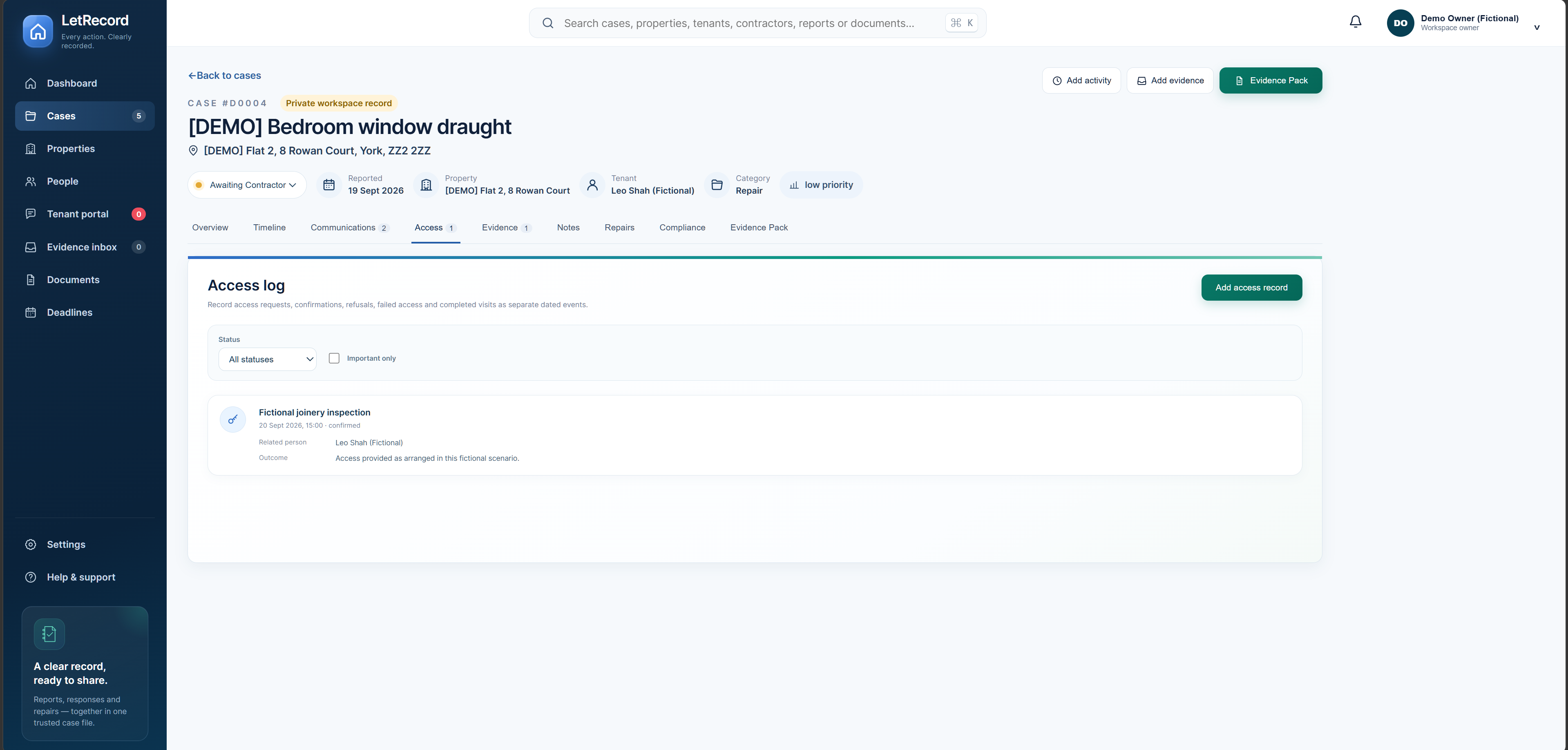
Keep requests, confirmations, refusals and completed visits as separate dated entries. Record who was involved and what happened, so the case history shows how inspection or repair access was arranged.
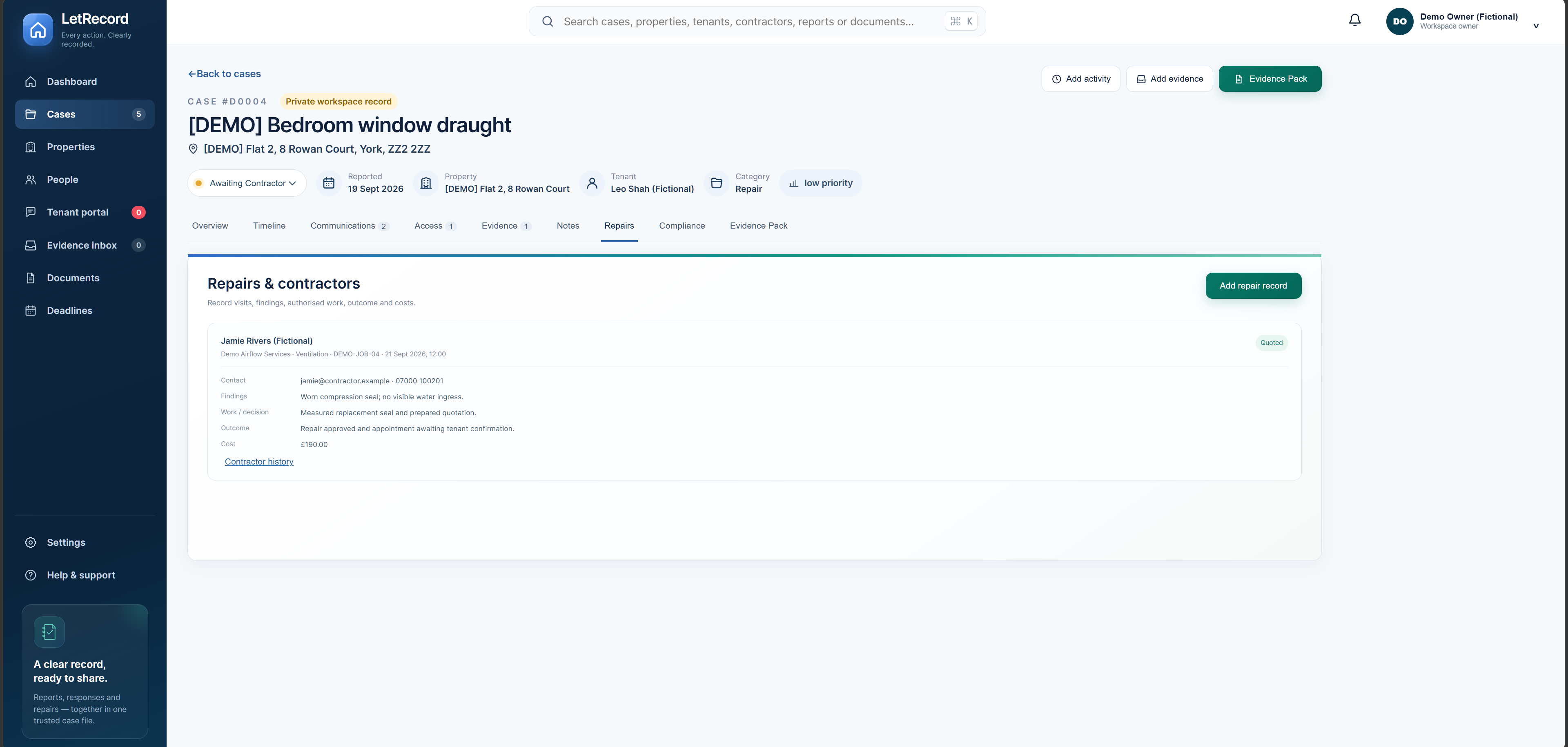
Capture who attended, what they found, the work or decision, outcome and cost. Linking that visit to the original issue makes the practical response easier to review later.
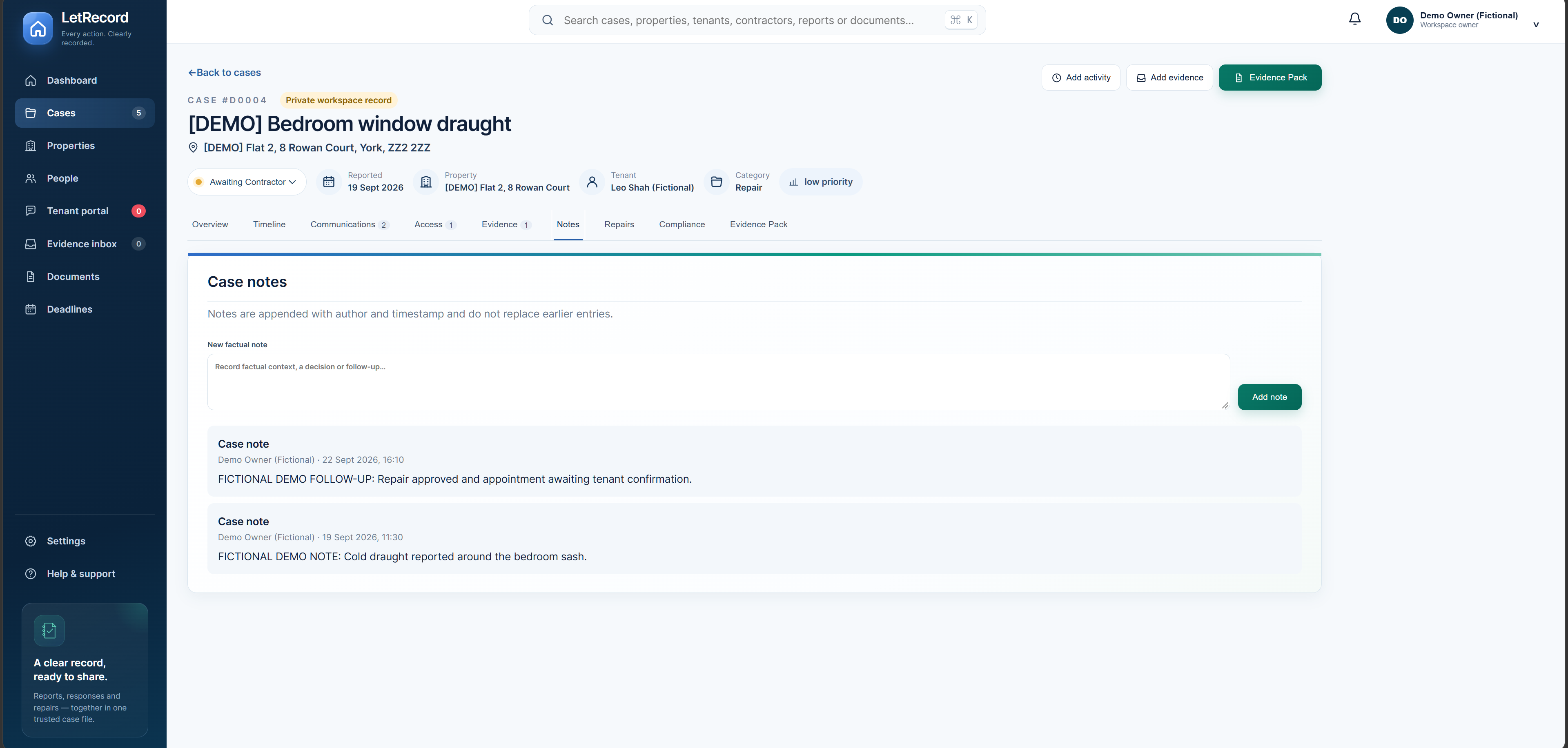
Add observations, decisions and follow-up context with an author and timestamp. Earlier entries remain in the case history, helping you distinguish what was known at each stage.
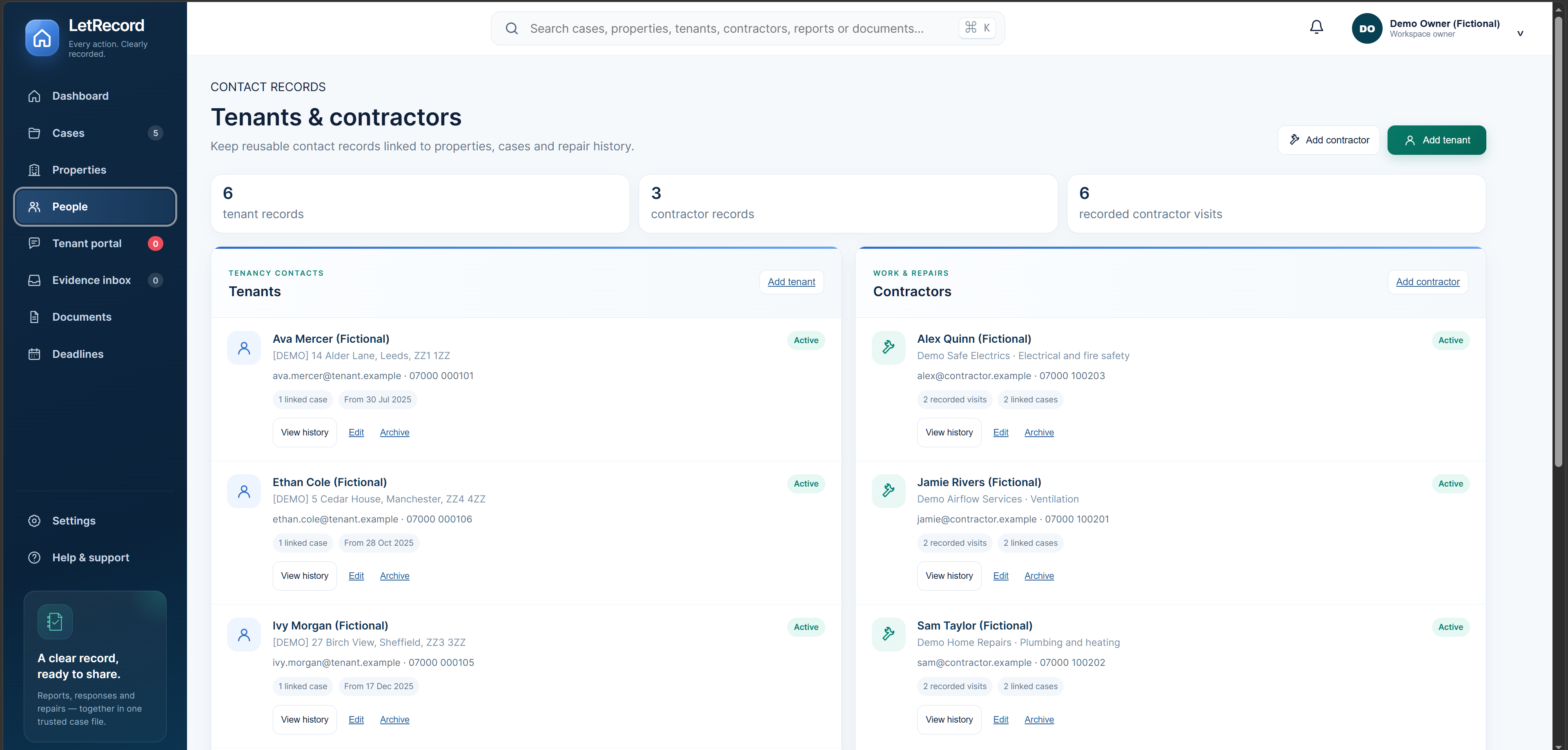
Keep reusable tenant and contractor contact records linked to the relevant homes and cases. See who was involved and return to their related history without searching separate address books.
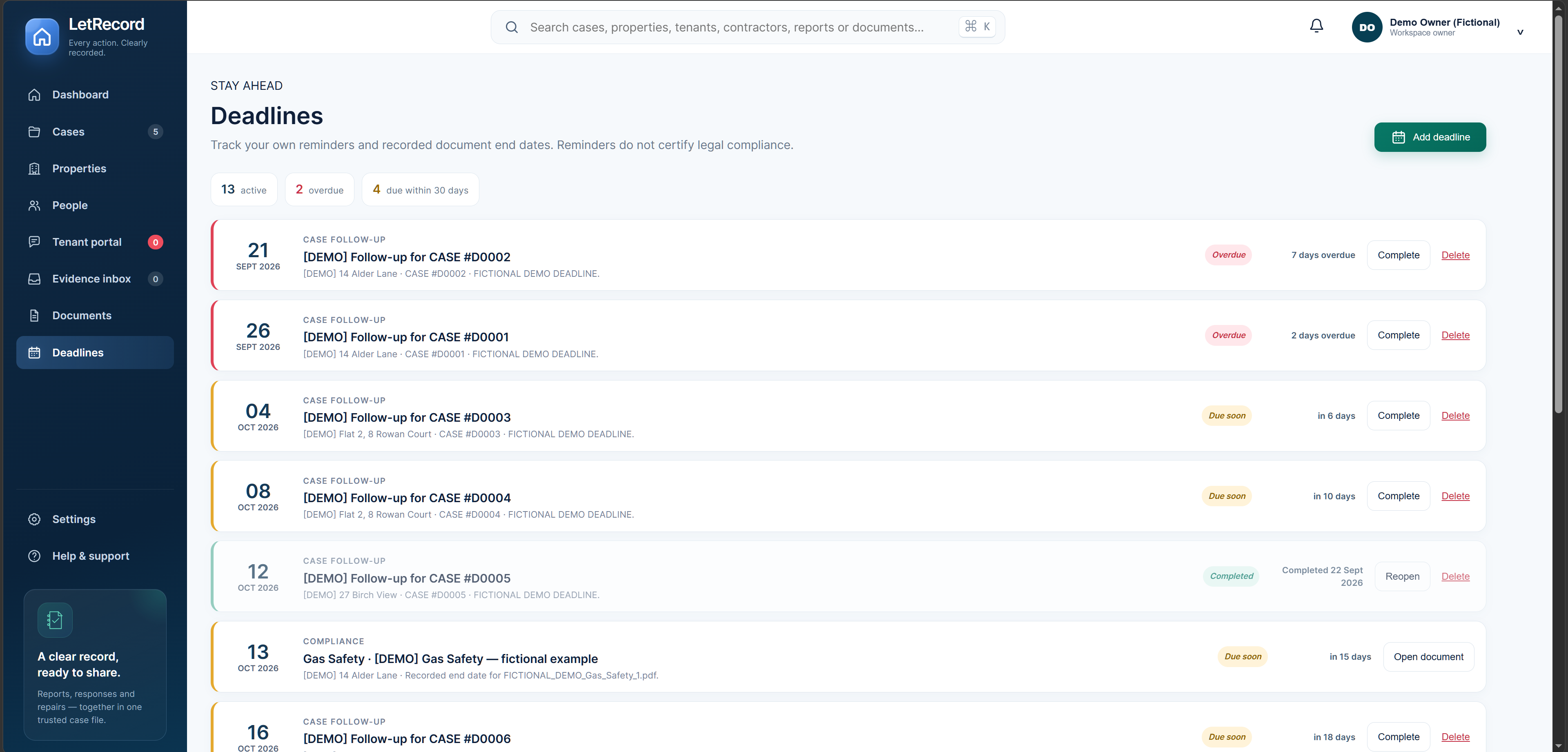
Track your own case follow-ups alongside end dates copied from stored property documents. See overdue and approaching items together; reminders help you act but do not certify legal compliance.
Upload original files, record where they came from and connect each one to the right case. The evidence register retains file references and integrity details while the source file remains separate from a generated report.
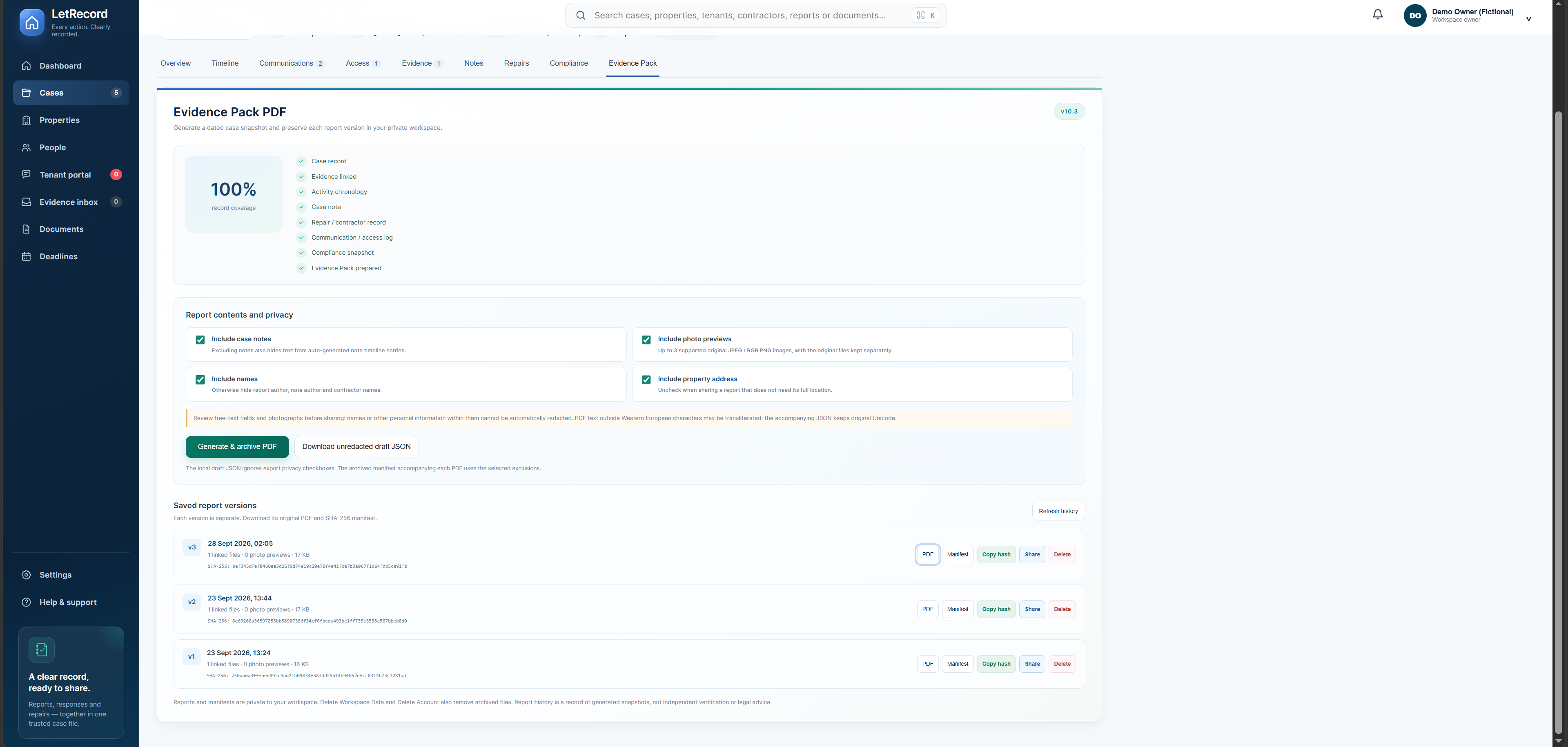
Generate a reviewed Evidence Pack PDF and keep each exported version listed separately by date. Return to an earlier pack, its manifest and recorded fingerprint instead of silently replacing what you shared.
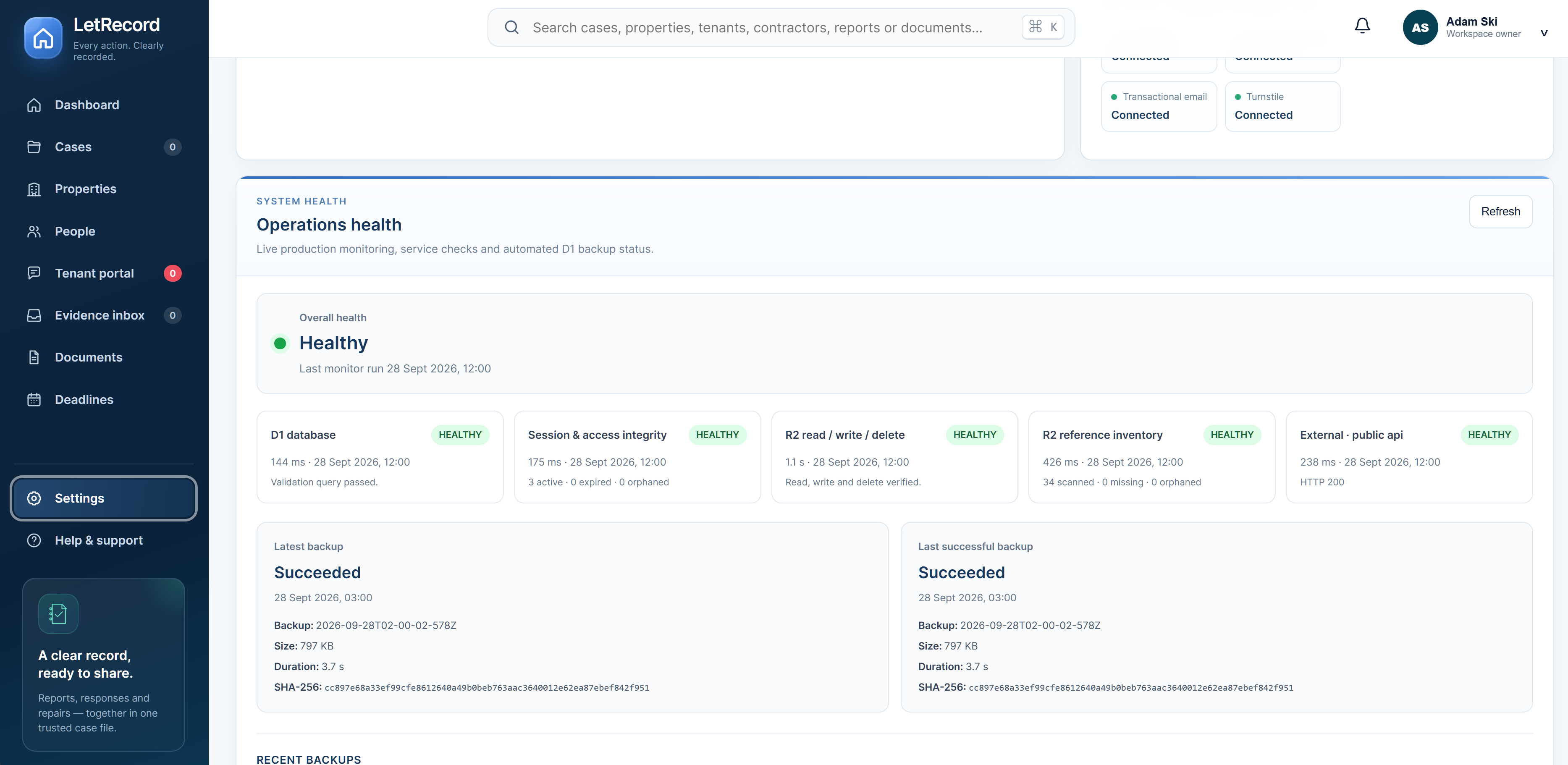
Set workspace and pack preferences, review signed-in devices and manage member access. Export your records, inspect account and sharing activity, and check System Health for service checks and reported database backup results. Account data controls are here too.
Add a property, open a case and see how the story builds.
Explore the app free30 days free from account creation. No card required to begin. If you choose an annual plan, Stripe Checkout shows the price and first payment date before you confirm. If you do not subscribe, editing pauses after the trial; your existing records remain viewable and exportable. Plan and billing terms.